
Ushanka Hat
A party word game: explain, act, guess.
“Ushanka Hat” is a classic party game (a Hat game) where you explain a word so that your team can guess it. The words go into a hat, the players take turns drawing them and explaining them while the timer runs. Whoever guesses the most words wins. The game is free: play in the browser or download the Android app.
It is a party word game for two or more people, and you do not have to be in the same place: friends in different cities can play online with voice and video right in the game, up to 6 phones. If everybody is together, one phone passed around is enough, or one room where everyone has their own phone (up to 16 players).
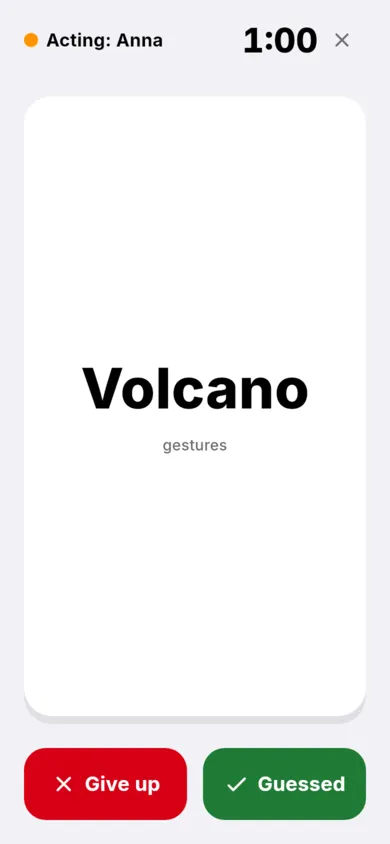
The game has ready-made word lists in English, German and Russian, your own words, teams or everyone for themselves, the rounds “One word” and “Gestures”, plus a separate “Crocodile” mode (charades). It is similar to Alias or Taboo in spirit: you explain a word without saying it, but in Ushanka Hat you can play several rounds on the same set of words.
Playing Ushanka Hat online and offline
- On one phone. Everybody sits together and passes the phone around. The Android app needs no internet for this.
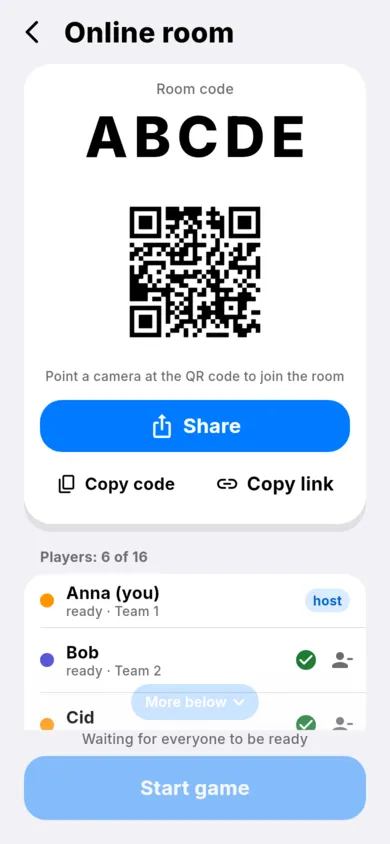
- In the same room. Everybody is together, each with their own phone; one creates a room, the others join with the code, the link or the QR code. Needs the internet.
- Online with a call. The players are in different places, voice and video run right in the game, so you can play with friends on a video call, up to 6 phones. Needs the internet.
- In the browser. The same game opens on a computer or phone without installing anything – the “Play in the browser” button. Needs the internet.
Screenshots
Rules
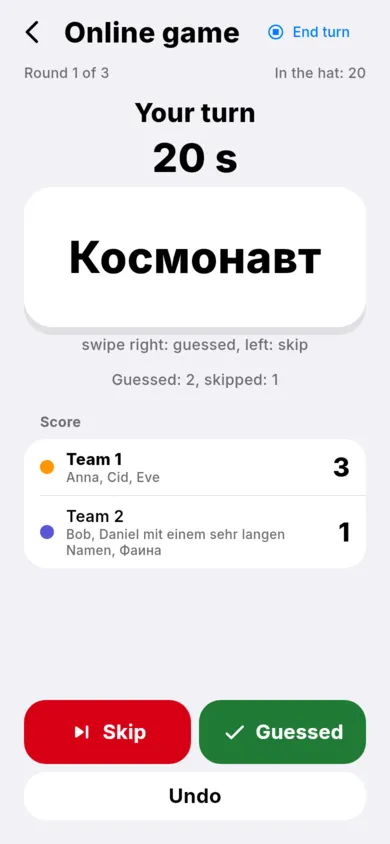
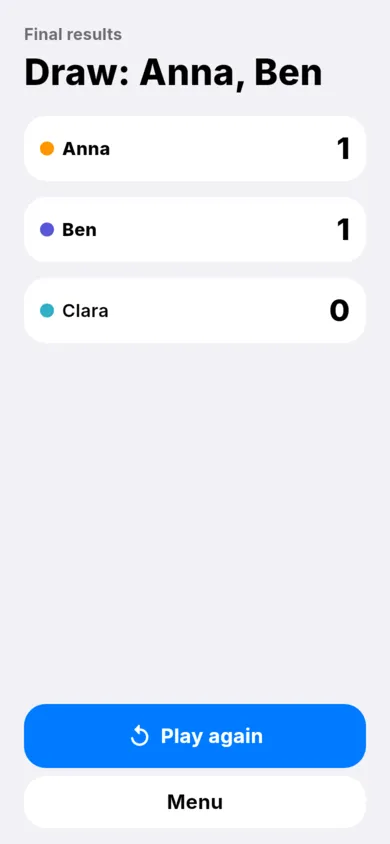
There are words in the hat. One player takes a word and explains it, the others guess. Guessed — a point and the next word. Whoever has the most points when the words run out wins.
FAQ
How do I play a word guessing game online with friends?
Tap “Online room”, enter your name and choose “Play online (with a call)” and send your friends the code, the link or the QR code. When everyone has joined, the host starts the game.
Can we play on a video call?
Yes. In a room “online with a call” voice and video run right in the game, so you do not need a separate app. Such a room takes up to 6 phones.
Do I need to sign up or install anything?
No. The game opens in the browser without installing, and you can play online as a guest without an account. There is also an Android app — find the link in the “Download” section of the game page.
Can we play without a call or a microphone?
Yes. On one phone and in the “We are in the same room” mode there is no call, and in the “Play online without a call” mode you call through your own app (Zoom, Telegram, Discord) or not at all: the game does not ask for the microphone or camera.
How many people can play?
Two or more. On one phone a whole group plays at one table; “In the same room” takes up to 16 players, and online with a call up to 6 phones.
How is Ushanka Hat different from Alias, Taboo or charades?
The idea is similar: explain a word so that others guess it. In Ushanka Hat the words are in a shared hat and the game goes in rounds (“One word”, “Gestures”), and Crocodile, where you act the word out like in charades, is a separate mode inside the game. You can also play online with a call.
Is it free?
Yes, it is free in the browser and on Android. The game shows ads.
Which languages are the words in?
Ready-made word lists are available in English, German and Russian. You can add your own words too.
Download
How to install the app
The app is downloaded from Google Play only. While the closed test is running, here is how to get it:
- If you installed the APK from this website, uninstall it first: it has a different signature, so Google Play will not install the app over it. Note that uninstalling deletes the app's data on this phone (settings, your own words).
- Join the testers group: https://groups.google.com/g/ushanka-hat-testers Wait a few minutes: Google does not notice right away that you are in the group. If the testing page says the app is unavailable, wait a bit longer and refresh the page.
- With the same Google account, open the testing page on Google Play and tap “Become a tester”. The install link may not work right away, sometimes only after a few hours.
- Install the app from Google Play and keep it installed for 14 days: Google requires this for the closed test.